


TL;DR
In this video, we run a vulnerable PHP application, exploit it, and show Miggo's runtime sensor detecting the attack inside the application and blocking it while the application keeps running.
Over the past week, we have covered what is known about PHP2Shell, how to mitigate it while you patch, and the questions we hear most in our PHP2Shell FAQ. This post shows what the second layer of that protection looks like in practice.
Why a Second Layer Matters
WAF rules for PHP2Shell are now available from several vendors, including AWS, Cloudflare and Miggo's High Emerging Threat Ruleset for AWS WAF. They are the fastest way to reduce exposure, and we recommend using one.
A WAF rule can still fail to protect you, for reasons that have nothing to do with how well it was written:
- The WAF isn't in the path. The vulnerable application is reachable through an internal service, a partner integration, an admin interface, or a second ingress that the WAF doesn't front.
- The rule isn't there yet, or isn't on. Every rule follows a disclosure, so there is a window before any signature exists. Once a rule exists, it still has to be deployed in Block mode, on the current version, and scoped to the right resource.
- The rule describes the exploit, not the vulnerability. A WAF can match only what a request looks like, not what the application does with it. A rule that fits today's exploit may miss tomorrow's variant, and write-ups describing ways around early PHP2Shell rules are already public.
In each of these cases, the attack plays out inside the application, where the WAF has no visibility.
That is where Miggo's runtime sensor adds a second layer of defense. It watches what the application does, not what the request looks like.
Watch the Demo
What You Are Watching
The target is PHP 8.2.32 running under Apache (mod_php), one of the builds still vulnerable to PHP2Shell. It runs as a deployment in a Kubernetes cluster, with Miggo's runtime sensor on the node, and the attacker sends requests to this containerized workload.
The video has three parts. In the first (0:00), Miggo Shield is off and we run the public exploit chain. It takes two requests: the first pushes PHP into its memory limit to set up the heap, and the second gets PHP to run the attacker's command as www-data. Miggo raises a Critical detection a few seconds later, "Code Execution via Memory Corruption in PHP Upload Parsing," naming the service, cluster, namespace and pod. The detection explains that PHP started a process from its session upload-progress handler while it was still parsing the multipart body, before any PHP script had run, so the code that ran came from corrupted memory and not from the application. The stack trace shows the full path from Apache's request handler to that call.
In the second part (0:24), we switch on the Shield with one ConfigMap and a rollout of the Miggo runtime. The application isn't changed or restarted.
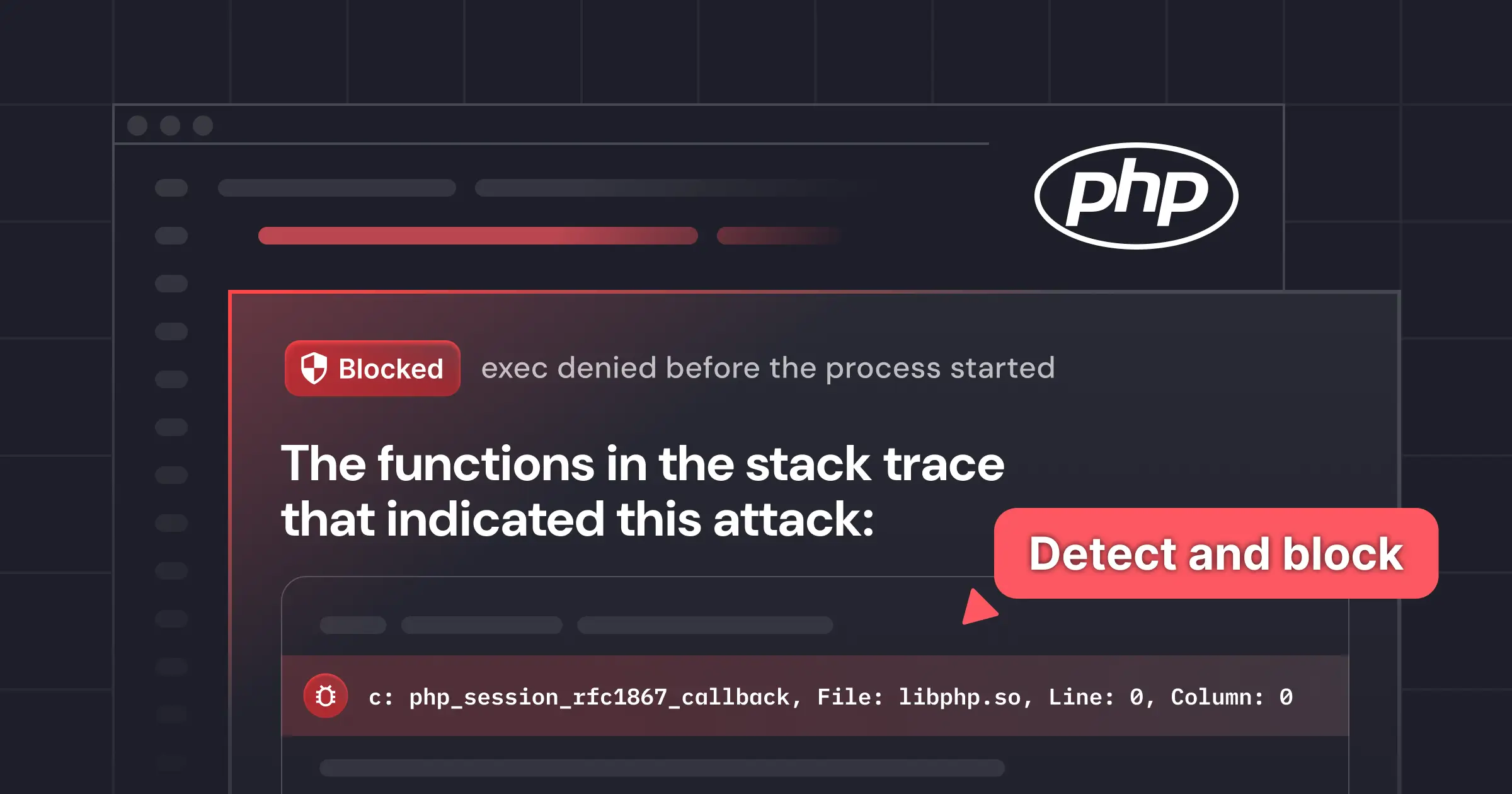
In the third part (0:36), we send the same exploit again, and it fails without returning any output. The new detections in the console carry a "Blocked - Miggo Shield" badge, and the process tree shows the attacker's /bin/sh marked "exec denied before the process started."
How the Detection and Blocking Work
PHP2Shell, like most remote code execution, has to end the same way: the PHP worker starts a program it should never start, such as a shell, curl or a script interpreter. Miggo watches for that moment from inside the application.
The sensor is eBPF-based and already reads the PHP interpreter's own call stack. It needs no PHP extension, no code change and no restart. When any process asks the kernel to start a new program, the sensor checks the PHP stack of that process. If the stack runs through a code path tied to the attack, Miggo raises a detection, and with Miggo Shield on, the kernel also refuses to start the program. The attacker's command never runs.
The decision depends on where the call came from inside the application, not on what the request looked like. That is why the sensor still detects the attack when encoding and obfuscation tricks get past WAF rules. The application can still start processes from all its other code paths.
A Note on What We Show
We ran this demo in our lab. We don't show the exploit request or payload, because most PHP installations are still unpatched. The detection and the block are the same ones customers run in production.
What to Do Now
- Mitigate immediately:
- Deploy a WAF rule. AWS WAF customers can enable the PHP2Shell rule in Miggo's High Emerging Threat Ruleset, version 1.21. Subscribe in AWS Marketplace, select the version, and start in Count mode before switching to Block.
- Add runtime protection. Miggo customers can enable the PHP2Shell detection, "Code Execution via Memory Corruption in PHP Upload Parsing," and turn on Miggo Shield to block the attack.
- Patch. Upgrade to PHP 8.2.35, 8.3.36, 8.4.27 or 8.5.12, starting with internet-facing systems.
- Watch for exploitation. Whatever tools you use, alert when PHP workers such as php-fpm, php-cgi, httpd or apache2 launch shells, interpreters or download tools.
- Treat configuration workarounds as temporary. Interim settings in PHP advisories help lower exposure, but they offer incomplete protection and cannot replace an actual patch.
Mitigate at the Edge, Detect and Block Inside
The patch is the fix, and a WAF rule buys time to apply it. A runtime layer covers what a WAF cannot see, so that if an attack gets past the edge, it is detected inside the application and stopped before it does damage. For teams that need weeks or months to patch every PHP application, that combination is what keeps them protected in the meantime.
Book a demo to see how Miggo protects your PHP applications.
.webp)
.png)
%20(1).webp)